Canva

A great end-to-end video creation tool for most business users, especially when speed, ease of use and brand consistency are priorities.

Note: this review only covers the Canva video creation application, not the other apps in the Canva suite.

Summary

Strengths

Limitations

Comments

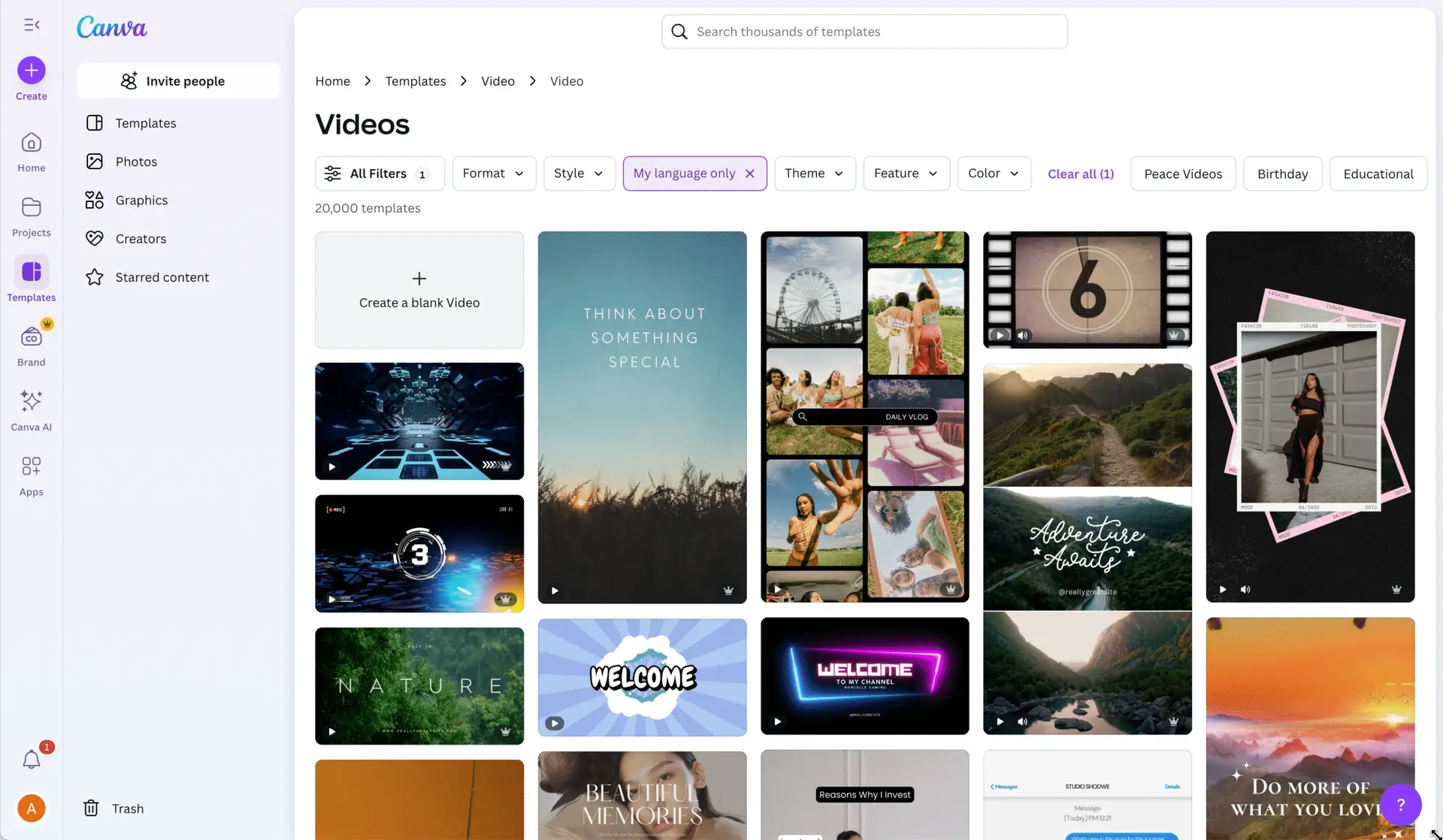
Canva is a versatile content creation tool offering a wide range of design options for all types of content. It goes beyond video creation, allowing users to design social media posts, images, videos, flyers and more. The video creation functionality is integrated within the broader creative toolkit and cannot be separated from the rest of the creative suite.

Use the Tool Finder to compare this tool with others based on features.

AI features 🟡
  • Writing scripts ⛔: Users can create script and storyboards, but there is no integrated workflow that connects a script or storyboard directly to automated video generation.
  • Text-to-speech 🟡: Canva provides a standard but limited selection of text-to-speech voices in multiple languages. More voices are available via third-party apps. 
  • AI media generation ✅: images and video clips can be generated with built-in tools. AI-generated music can be added using integrated external apps.
  • Speaking avatars 🟡: Canva integrates with third party apps  to create lip-synced avatars.
  • Subtitle generation ✅: Spoken voice can be automatically transcribed into subtitle tracks that can be edited, styled and placed on the timeline. 
  • Subtitle translation 🟡: The Captions tool allows to generate subtitles, while the Translate feature can  auto-translate those subtitles into multiple languages. These subtitles are embedded in the video and cannot be exported separately.
  • Stock media library ✅: Canva includes access to over 100 million media items: photos, videos, music tracks and sound effects from partners like Getty Images, Pixabay and Storyblocks.
  • Background removal ✅: Backgrounds can be removed from images or video frames. Canva does not natively support transparent backgrounds in MOV files.
  • Whiteboard/doodle drawing style 🟡: You can simulate hand-drawn visuals using Canva’s Whiteboard templates, Draw app or third-party doodle animation apps.
  • Screen, webcam and voice recording ✅: Canva includes built-in screen recording and webcam capture tools. You can record your voice via microphone directly into your video timeline.
  • Reusable templates ✅: Thousands of editable video templates are included, and you can create your own for repeat use, brand consistency or team sharing.
  • Bulk video generation from templates ✅: Canva allows automatic video generation based on a spreadsheet or data set, ideal for product videos or personalization.
  • Project organization ✅: Video projects can be sorted into folders (personal or shared) and managed within the Projects dashboard.
  • Export formats and resolutions ✅: Canva provides 4K exports. The only available video export format is MP4.
  • Project sharing and permissions ✅: Projects can be shared with individual users or groups with view, comment or edit access. Copying and downloading can be disabled.
  • External video reviewing 🟡: Reviewers can comment on videos via shared links, but there’s no native time-stamped commenting or review dashboard. 
  • Custom video templates ✅: Admins and users can create templates and publish them as reusable “Brand Templates” within team workspaces.
  • Brand settings âś…: Brand kits can be set-up with core brand assets like logos, colors and fonts. Admins can create and publish reusable “Brand Templates” within team workspaces.
  • Third party integrations ✅: Canva supports integrations with many platforms, including DAMs, LMSs, CMSs and social media tools. Its “Apps Marketplace” features hundreds of external apps that can be connected.  Canva also offers an API for custom integrations. 
  • Group and team management ✅: Admins can assign roles, manage permissions and configure brand controls across teams. Multiple workspaces can be set up per organization.
  • Analytics and reporting ✅: Enterprise plans provide usage dashboards with data on designs, user activity and exportable reports.
  • Single sign-on (SSO) ✅: Canva supports SAML 2.0 as well as OpenID Connect (OIDC) as an identity provider, allowing users to log in using their organization’s existing credentials, along with domain-based access.
  • Security and compliance ✅: Canva is ISO 27001 and SOC 2 Type II certified. It complies with GDPR and stores data primarily in AWS regions, with EU mirrors available.
  • Languages and apps ✅: Canva’s user interface is available in more than 100 languages. The application is also available as a  dedicated desktop app for both Mac and Windows. Mobile apps are available for iOS and Android, for both smartphones and tablets.
  • Pricing: Canva’s pricing is for the whole design suite, not just the video creation application. See Canva’s website for up-to-date pricing.
  • Primary target audience and use cases: While initially built for individuals and SMBs, Canva also supports large enterprises. The company claims that 95% of Fortune 500 companies are Canva customers. Canva is focused on video for marketing, social media, internal communication and learning, suitable for both external and internal use.
  • Brand mission and USP: Canva’s slogan is “Empower the world to design.” Its USP is offering professional design tools to non-designers through a simple interface.
  • Key company data (2024): 
    • Headquarters: Sydney, Australia
    • Employees: ~5,500
    • 2024 Revenue: ~$2.2 billion
    • European offices: London, Nottingham, Berlin and Paris

Have a comment? Spotted an error?