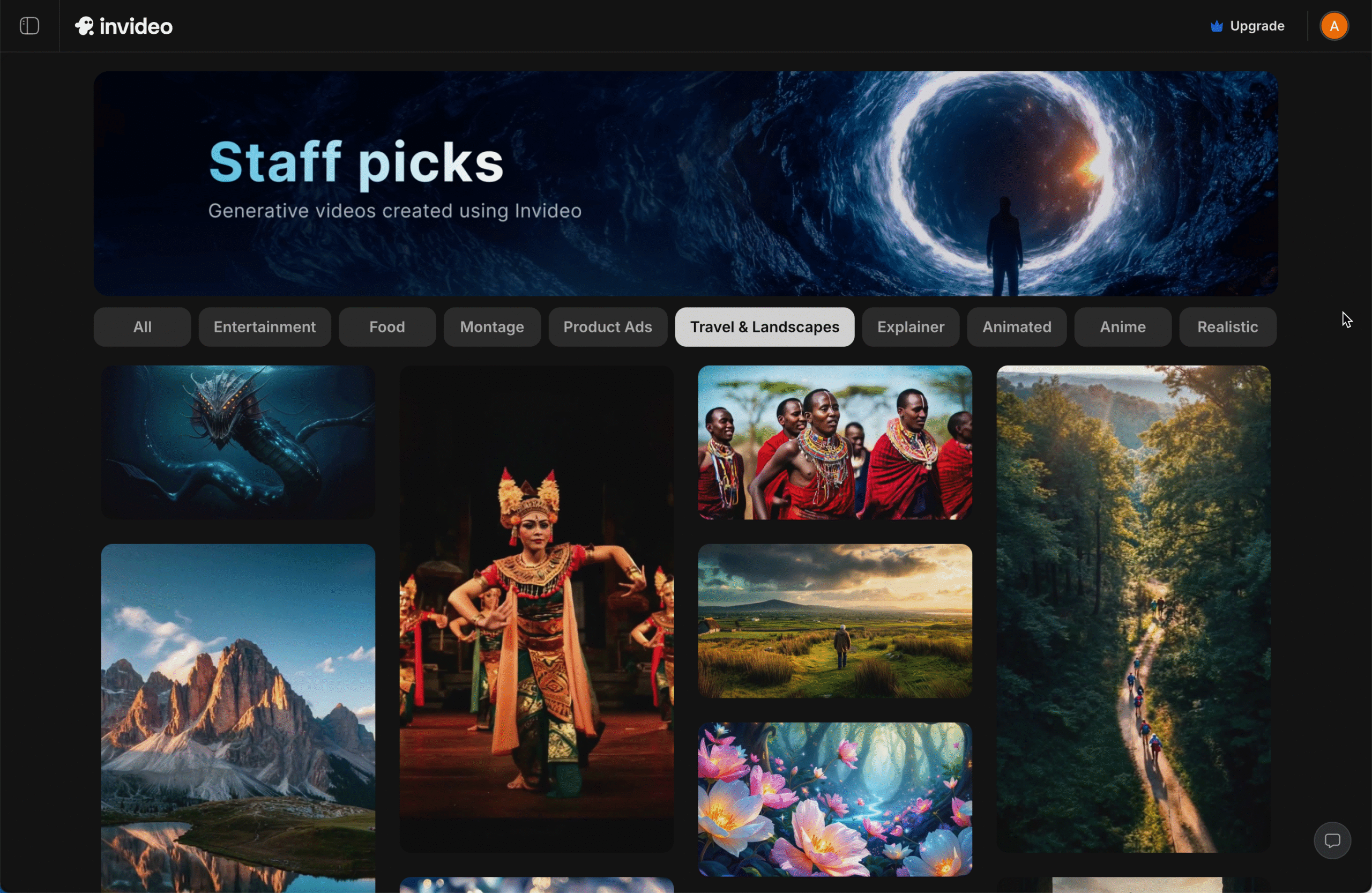
Invideo AI

Invideo provides two independent video creation products with different features and a different interface: Invideo AI and Invideo Studio. This review covers Invideo AI.
Summary

Strengths

Limitations

Comments

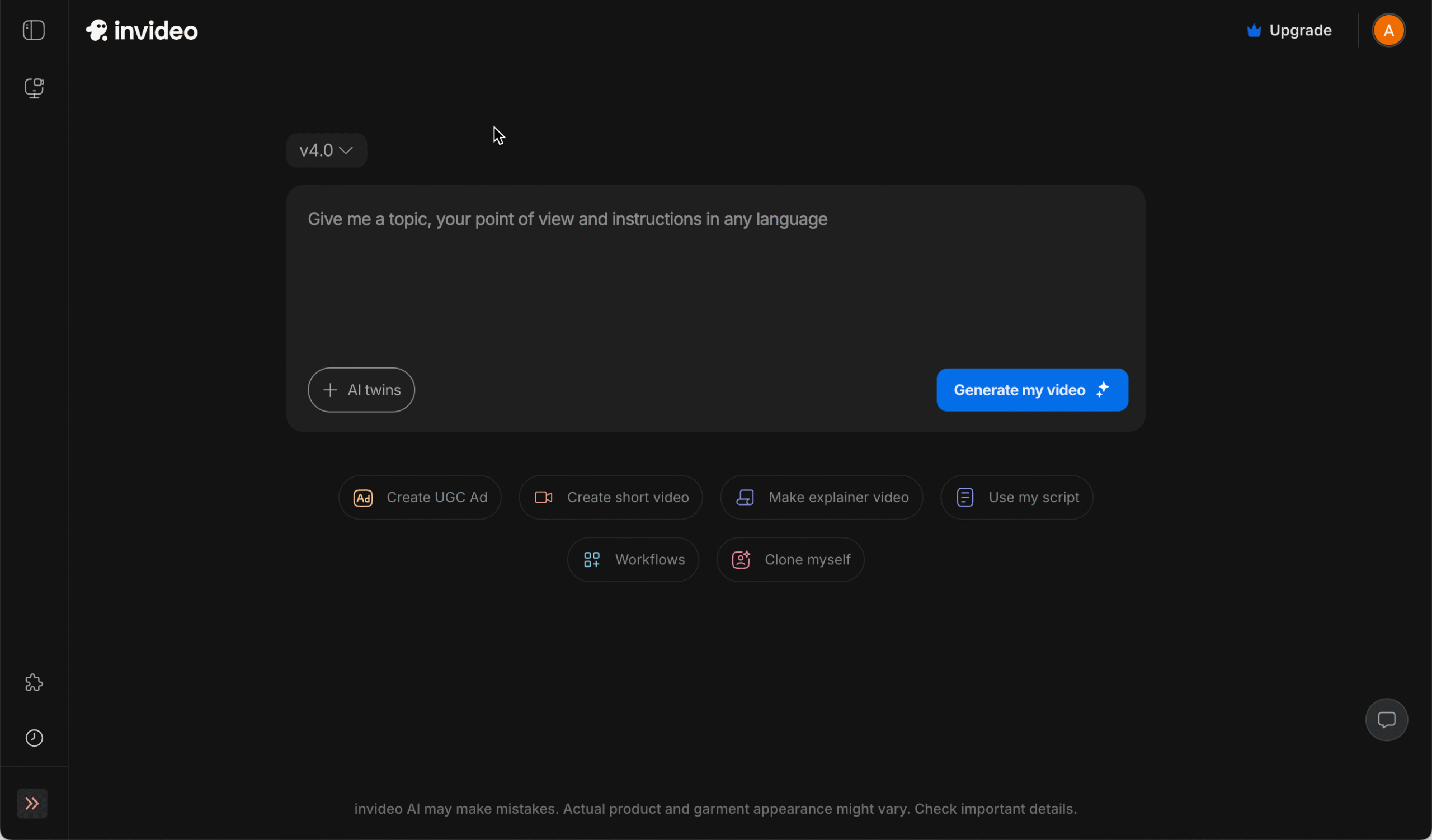
Invideo AI focuses on quickly generating a full video draft from an idea or text prompt, including a script, AI-generated visuals, voiceover or a speaking avatar (which can even be a clone of yourself). Prompt-based editing or fine-tuning of the proposed video, such as moving text or changing colors, can often be slow or unintuitive.

Use the Tool Finder to compare this tool with others based on features.

AI features ✅
  • Writing scripts : When using the default workflow, a script is generated from a topic prompt you enter, immediately followed by the generation of your video. You can also start from your own script or from a web page – multiple workflows are available
  • Text-to-speech : 50+ realistic voices in 15+ languages with pitch and speed controls. A “Clone my voice” option is available, based on a 30-second voice sample. A prompt instruction is sufficient to translate a voice-over into another language.
  • AI media generation ✅: Full prompt-based generation of media (including generative video clips) as an alternative to stock media for illustrating content.
  • Speaking avatars ✅: A wide choice of avatars is available, including “AI twins”,  a selfie-based avatar version of yourself that lip-syncs any script.
  • Subtitle generation: : Prompt-based instructions switch subtitles on, either word by word, or in full sentences with highlighted words in case of voice-over speech.
  • Subtitle translation: : Enter a translation instruction prompt and have your subtitles translated into 70+ languages.
  • Stock media library : Invideo AI provides media from three major sources: Storyblocks, Pixabay and iStock by Getty Images, giving you access to well over eight million royalty-free videos, photos, music tracks and sound effects. Additionally, new video clips and images can be AI-generated within the platform.
  • Background removal 🟡: Backgrounds can be removed from images but not from video frames.
  • Whiteboard/doodle drawing style : This style is not supported.
  • Screen, webcam and voice recording : Not available. Video creation starts from text or imported media.
  • Reusable templates 🟡:  Thousands of templates are available, but it is not possible to save your own custom templates. 
  • Bulk video generation from templates : There’s no option to merge a template with a spreadsheet or database for mass personalized video generation.
  • Project organization : You can create folders in the dashboard to group projects.
  • Export formats and resolutions 🟡: Videos can be exported in 1080p MP4 format. 4K is not available. 
  • Project sharing and permissions : In a Team workspace, colleagues can be invited and given View or Edit permissions. Real-time collaboration is also possible: Multiplayer Cursors lets several users work on the same project simultaneously. 
  • External video reviewing : View-only links let outsiders watch the finished video, but feedback must be given outside the tool
  • Brand settings : Within a team environment, brand colors, fonts and logo can be uploaded and set for the team.
  • Third-party integrations ⛔: Apart from Zapier and webhooks, it is not possible to integrate with third-party platforms such as a DAM or LMS. A public API is not available.
  • Group or team management  🟡: An owner can add members to the team and assign them an Editor or Viewer role. The team features are suited to small or medium companies, not large enterprises.
  • Analytics and reporting 🟡: Dashboard shows minutes used and exports per user. There are no details available on user activity.
  • Single sign-on (SSO) : SSO is not available. Users sign in with their email address or with their Google or Apple account.
  • Security and compliance ⛔: Invideo’s privacy statement does not include or refer to GDPR. There is no ISO 27001 certificate published.
  • Languages and apps : Invideo AI is web-only for desktop and only available in English. An iOS app is available for mobile, and an Android app is under development.
  • Pricing: See the Invideo AI plans — not to confuse with the Invideo Studio pricing!
  • Primary target audience and use cases: Marketing teams, social-media managers, small-to-mid-size businesses that need social ads, product promos, explainer videos, simple training snippets.
  • Brand mission and USP: “Make professional videos in minutes — even if you’ve never edited before.”
  • Key company data (2024):
    • Headquarters: Mumbai, India
    • US office in San Francisco. No presence in Europe.
    • Employees: 350

Have a comment? Spotted an error?